|

Hi there!
Vivaldi 7.7 for mobile is here, and for our Android users, this one's special: the features you've been requesting most. We've been listening, and this release is our answer. For iOS we’ve made under the hood improvements, so Vivaldi feels steadier and faster.
What’s new in Vivaldi 7.7 for Android
If there's one thing our community has been vocal about, it's wanting more control over search and better bookmark management. Consider it done.
🔎 Search Your Way
Custom search engines have arrived on Vivaldi for Android, and this opens up possibilities that go far beyond the usual suspects. Sure, you can add any general search engine beyond the well curated list of defaults already available, but the real power here is in specialized search.
Think about the searches you use every day that aren't Google or DuckDuckGo. Your company's internal knowledge base. Your university's library catalog. Your organization's documentation portal. A specialized search for legal databases or technical specifications. These are the search engines that matter in your daily workflow, and now you can add them directly to Vivaldi.
If you’ve set up a custom search on a website you'd like to use regularly, you can conveniently add it as a search engine, by long-pressing on the search field and selecting “Add as Search Engine”. No copying and pasting URLs or diving into complicated settings.
Whether it's your workplace intranet search, your school's resource finder, a niche community forum search, or a specialized database for your field of work, Vivaldi now integrates with the tools you actually use. Your browser adapts to your professional and academic life, not the other way around.
This is unique to Vivaldi on mobile. Other browsers don't offer this. They give you a fixed list and that's it. But we've always believed that a browser should adapt to you, not force you into someone else's choices. It's one more way Vivaldi gives you control that other mobile browsers simply don't.
📚 Take Your Bookmarks Anywhere
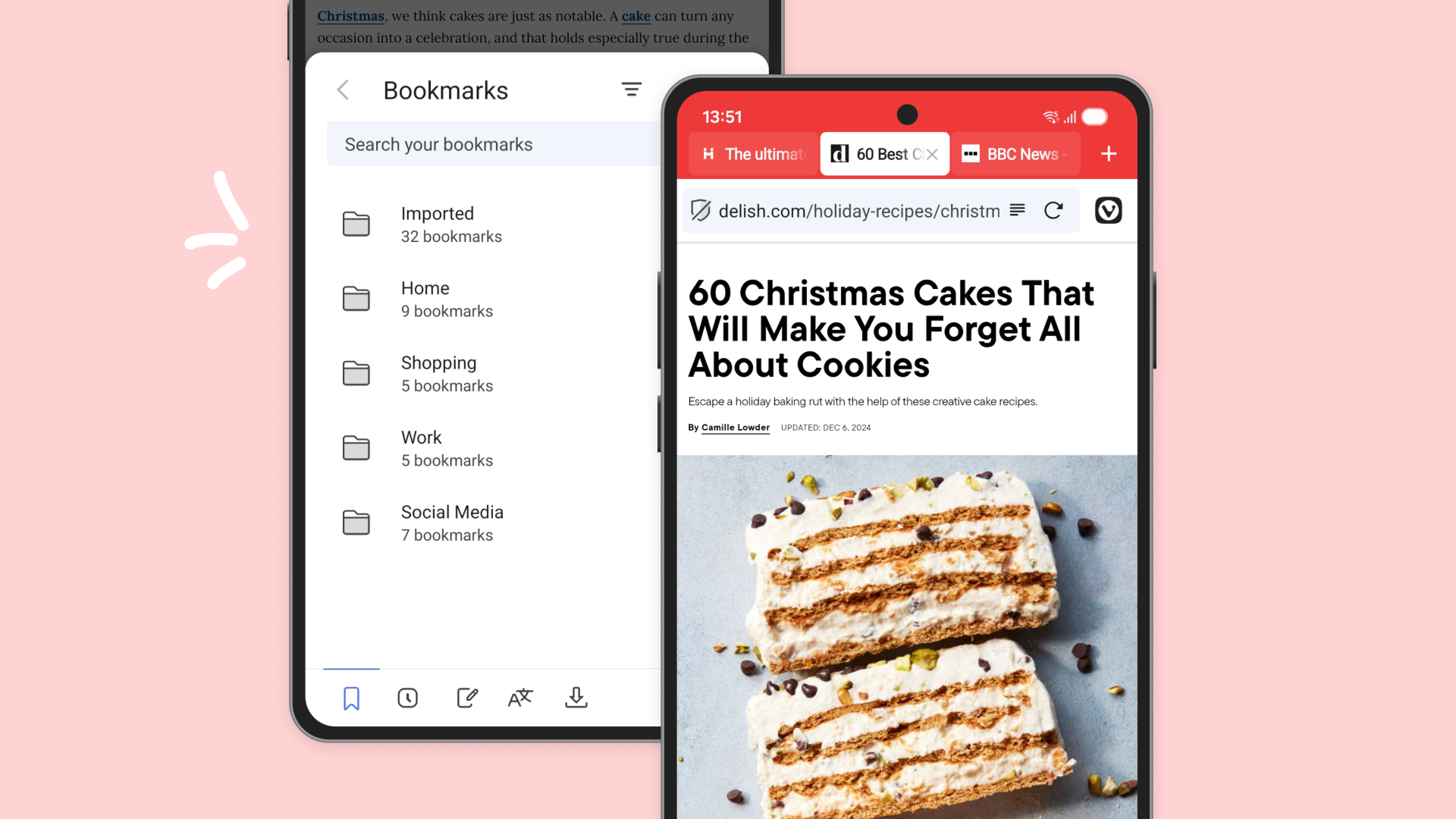
Thinking about making Vivaldi your primary mobile browser? Now there's nothing holding you back. Bookmark import has arrived, making the switch from another browser completely painless.
Your bookmarks represent years of saved articles, resources, and websites you return to again and again. They're too valuable to leave behind and it takes time to manually recreate. Now you can bring them all with you in one simple import. Moving from another browser, for example Chrome? Bring your entire bookmark collection along. No compromises, no starting from scratch.
And if you ever need to back up your bookmarks or move them elsewhere, export functionality is there too. It's your data, and you should have complete freedom to move it however you see fit.
🌑 Refined Dark Mode
We've also made improvements to dark mode across the board. Dark mode isn't just about flipping colors, it's about creating a comfortable, easy-on-the-eyes experience that works in any lighting condition. The details matter, and we've been fine-tuning them to ensure everything looks just right.
By the way, if you were missing the Dark Mode checkbox, you’ll be happy to know that it’s back where it used to be.
What’s new in Vivaldi 7.7 for iOS
iOS users, we've got you covered too with improvements for iOS 26 compatibility. We spent time under the hood so Vivaldi feels steadier and quicker across more devices. Small improvements add up to a smoother day, keeping Vivaldi running smoothly on the latest Apple has to offer.
Vivaldi 7.7 for mobile is available now.
Download Vivaldi 7.7 for Android👇


Download Vivaldi 7.7 for iOS👇

As always, thank you for being part of the Vivaldi community. Together, we’re fighting for a better web, one release at a time.
Best,
Team Vivaldi
|