🔒 Manual Commit Mode
New in Beekeeper Studio 5.5: run queries inside an explicit transaction, review the results, and decide exactly when changes become permanent.
What changes?
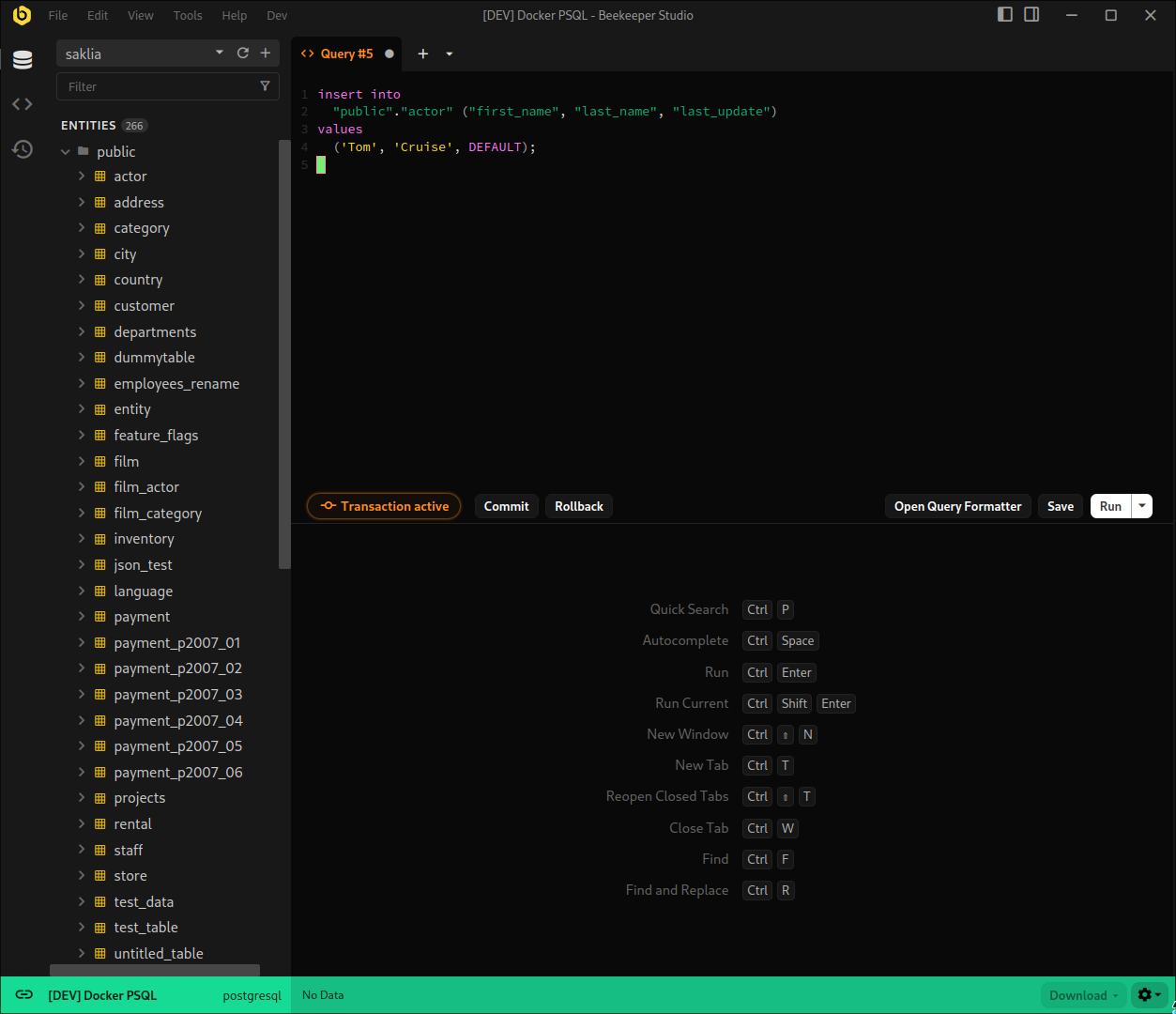
When Manual Commit Mode is enabled, queries in the editor no longer auto-commit.
Instead, Beekeeper opens a transaction for the active tab, keeps it visible, and lets you:
- Run multiple statements in sequence
- Inspect results as you go
- Commit everything — or roll it all back
Why you’d use it
- Grouped updates you want to sanity-check first
- Schema changes or data migrations
- Any risky change you don’t want auto-saved by accident
Built-in safety rails
To prevent accidental long-running transactions, Manual Commit Mode includes timeouts and warnings.
You’ll get a heads-up before an idle transaction is rolled back automatically, with the option to extend it if needed.
Availability
Manual Commit Mode works with Postgres, CockroachDB, Redshift, MySQL, MariaDB, SQL Server, Firebird, and Oracle.
It’s included in all paid editions of Beekeeper Studio.
|
